You download a goal app on Monday, spend too long configuring it, and discover by Wednesday that it's either too basic to explain real progress or too complicated to open for a quick check-in. The goal hasn't changed, but the system has become another task to manage. That's why the best goal setting app free choice isn't universal. It depends on whether you're building habits, tracking a measurable target, breaking a project into tasks, adding health context, using game mechanics, or getting accountability from other people.
This comparison organizes ten tools by the kind of goal they support best. Each pick is evaluated through the practical questions that matter after the download: how useful the free experience remains, what the upgrade restricts, how much setup it demands, how deep its tracking goes, whether it supports accountability, how it handles privacy, and where it works. Free doesn't always mean unrestricted, and the most feature-rich app isn't always the one you'll use when you're tired.
The category itself has grown well beyond simple reminder apps. One market estimate valued personal goal-setting apps at USD 555.2 million in 2025 and projected USD 1.67 billion by 2032, with a projected 17.0% CAGR across that forecast period (personal goal-setting app market estimate). For iPhone users whose goals are mainly behavioral, IdentityKit is a relevant place to start because it combines habit plans, streak feedback, user-scheduled reminders, optional Apple Health context, and a local-first approach.
Table of Contents
- 1. IdentityKit for identity-based habits
- 2. Strides for measurable targets
- 3. Habitica for game-driven motivation
- 4. Way of Life for fast pattern spotting
- 5. Productive for guided routines
- 6. TickTick for task-based goals
- 7. Notion for fully customized systems
- 8. Microsoft To Do for simple execution
- 9. ClickUp for measurable project goals
- 10. Coach.me for accountability and coaching
- Top 10 Free Goal-Setting Apps Comparison
- Choose the Free App You Will Actually Use
1. IdentityKit for identity-based habits
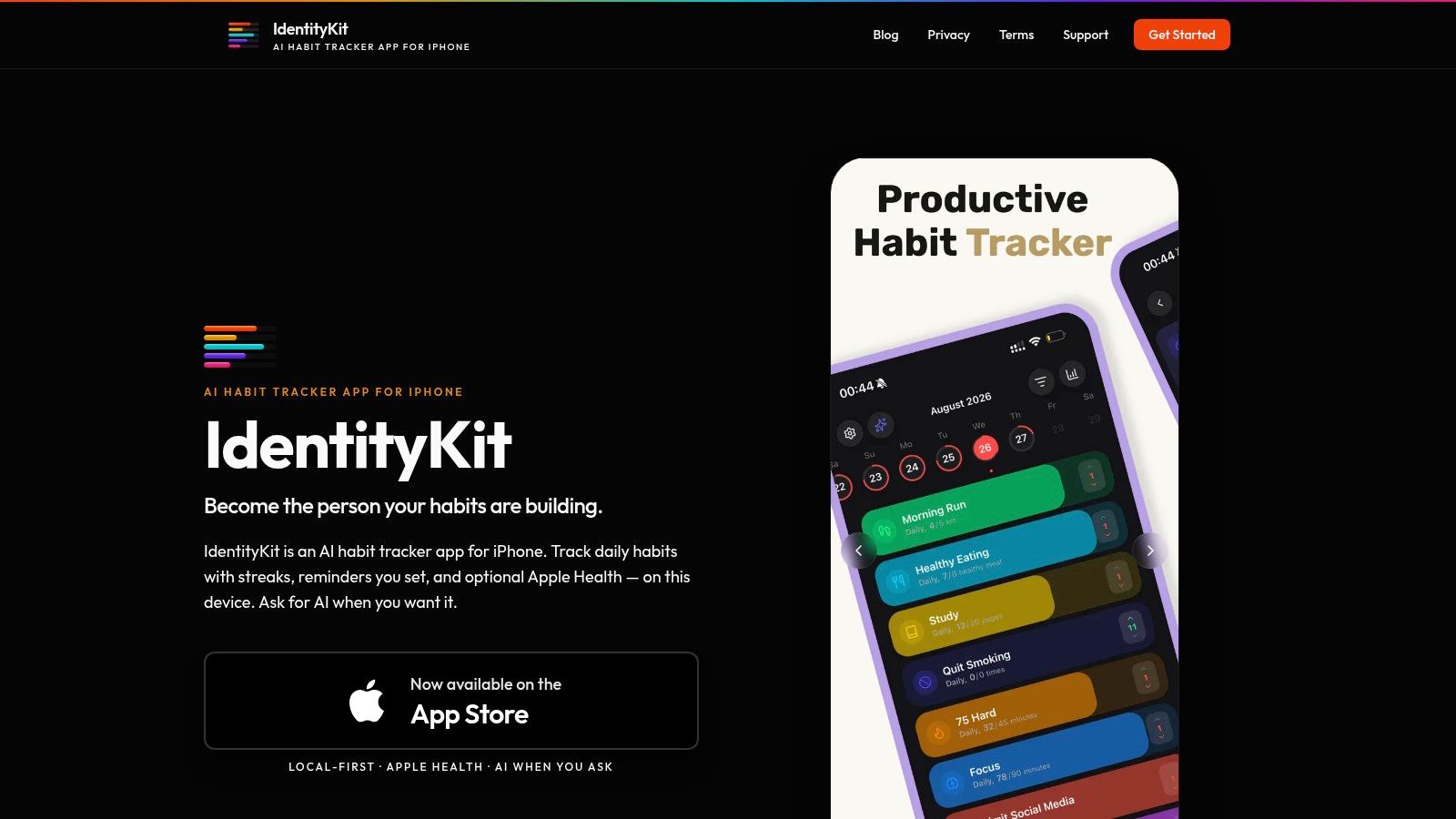
IdentityKit is built for the point where a broad intention needs to become a repeatable behavior. Instead of treating “be healthier” or “be more focused” as a checklist item, the iPhone-first app helps turn that direction into daily habits you can log and inspect. Its AI tools can help create a goal-to-habit plan, but they're invoked when you request them rather than running as background monitoring.
The free download includes the core habit workflow, with optional in-app upgrades. You can use visual streak grids, contribution views, heatmaps, personal records, and progress analytics to see whether your routine is holding together. That feedback is more useful than a single completion percentage when the key question is, “Which days or conditions make this habit easier?”
Practical rule: Start with one behavior that proves the identity you want to reinforce. Add complexity only after the daily check-in feels automatic.
Where the free experience stands out
IdentityKit's clearest trade-off is privacy. Habits and check-ins remain on your iPhone by default, with no automatic cloud upload. AI summaries and pattern stories run only when you ask for them, so you can decide when your data is analyzed. Optional Apple Health read access can add local context from steps, sleep, and exercise when you grant permission.
Reminders are also user-controlled. You choose the timing and schedule instead of relying on guessed prompts, which matters for anyone who's tired of irrelevant notifications. The limitation is platform fit. IdentityKit is iPhone-only, and its local-first design means there isn't automatic cloud sync or cross-device backup by default. Before relying on it, review the product's support documentation and decide whether its focused, private workflow matches your devices.
For iPhone users who want private habit tracking with optional AI and health context, IdentityKit is the strongest fit in this list. It's less suitable for teams, shared accountability, or goals that primarily involve project dependencies.
2. Strides for measurable targets
Strides is the better choice when “make progress” needs a number, pace, or deadline. A savings target, reading objective, training volume, or milestone-based project can be represented more precisely here than in a basic yes-or-no habit tracker. Its tracker types include Habit, Target, Average, and Milestone, which lets you choose a measurement style instead of forcing every goal into a streak.
Setup is helped by templates and SMART-style fields. Once a goal is active, progress charts can show streaks, calendars, success rates, and pace against the target. That pacing view is particularly useful when you're falling behind before the deadline, because it gives you a chance to adjust the weekly action rather than discovering the problem at the finish line.
Free limits and platform fit
The free experience is useful for testing whether structured measurement helps you. The important limitations appear when you want scale or portability. Unlimited trackers, iCloud sync and backup, and exports require an upgrade, so users with many active goals or a strong need for data portability may reach the boundary quickly.
Strides is also a poor fit if your household or team uses mixed platforms. It works best for people already comfortable in the Apple ecosystem, and it doesn't provide built-in Apple Health syncing. That means health-related goals may need manual entry even if the rest of your planning lives on an iPhone.
Use the Strides goal tracker when your goal has a clear target and you want visual pacing. Don't choose it solely because it has more charts. If you're tracking a simple routine and rarely inspect trends, the extra setup may add friction without changing your behavior.
3. Habitica for game-driven motivation
Habitica makes goal tracking feel less like personal administration and more like an RPG. You create Habits, Dailies, and To-Dos, then use completed actions to level up a character, earn gear, and develop pets. Parties, community challenges, and shared game mechanics give the system an accountability layer without requiring a formal coach.
That structure works when boredom is the main reason your routine collapses. A plain reminder may disappear into the notification stream, while Habitica gives the check-in an immediate consequence inside a game loop. Students, gamers, and people who respond to novelty may find that distinction meaningful.
The motivation trade-off
Habitica is free to use with an active community and challenges, so the starting experience isn't merely a stripped-down trial. It also works across iOS, Android, and the web, which makes it practical for people who switch between devices. The social model can help when you're more likely to follow through because other people are participating.
The same design can distract users who want a quiet, minimalist tracker. The interface is themed and busy, and its analytics are lighter than those in dedicated goal dashboards or work-management platforms. You may also start optimizing for virtual rewards rather than the underlying outcome.
Try Habitica if you need goals to feel engaging. If you want a calm interface, deep pacing charts, or private local storage, another tool will likely fit better.
4. Way of Life for fast pattern spotting
Way of Life is designed around quick logging and clear signals. You can record a habit with simple yes-or-no input or use count-based tracking, then review rolling charts and streak views. That makes it useful for goals where the most important question is whether a behavior is becoming consistent.
The app's strength is the speed of the daily interaction. You don't need to build a large project structure before recording progress. Tags and notes add just enough context to explain why a day went well or poorly, while CSV and Excel export let you analyze the history outside the app.
“The best tracker is often the one that asks for the fewest decisions at check-in.”
What the free tier changes
Way of Life's free tier limits the number of habits you can track. That restriction can be helpful if it forces prioritization, but it becomes frustrating when you're trying to manage several routines at once. The app also doesn't provide Apple Health read or write access, so automatic health updates aren't part of the workflow.
Widgets and Siri or Shortcuts support make the iOS experience more convenient, especially if you already use quick actions. But this remains a focused personal tracker rather than a full task manager or accountability platform. Choose Way of Life when you want to spot patterns without spending much time logging. Choose something else when your goal needs project steps, collaborative ownership, or richer health data.
5. Productive for guided routines
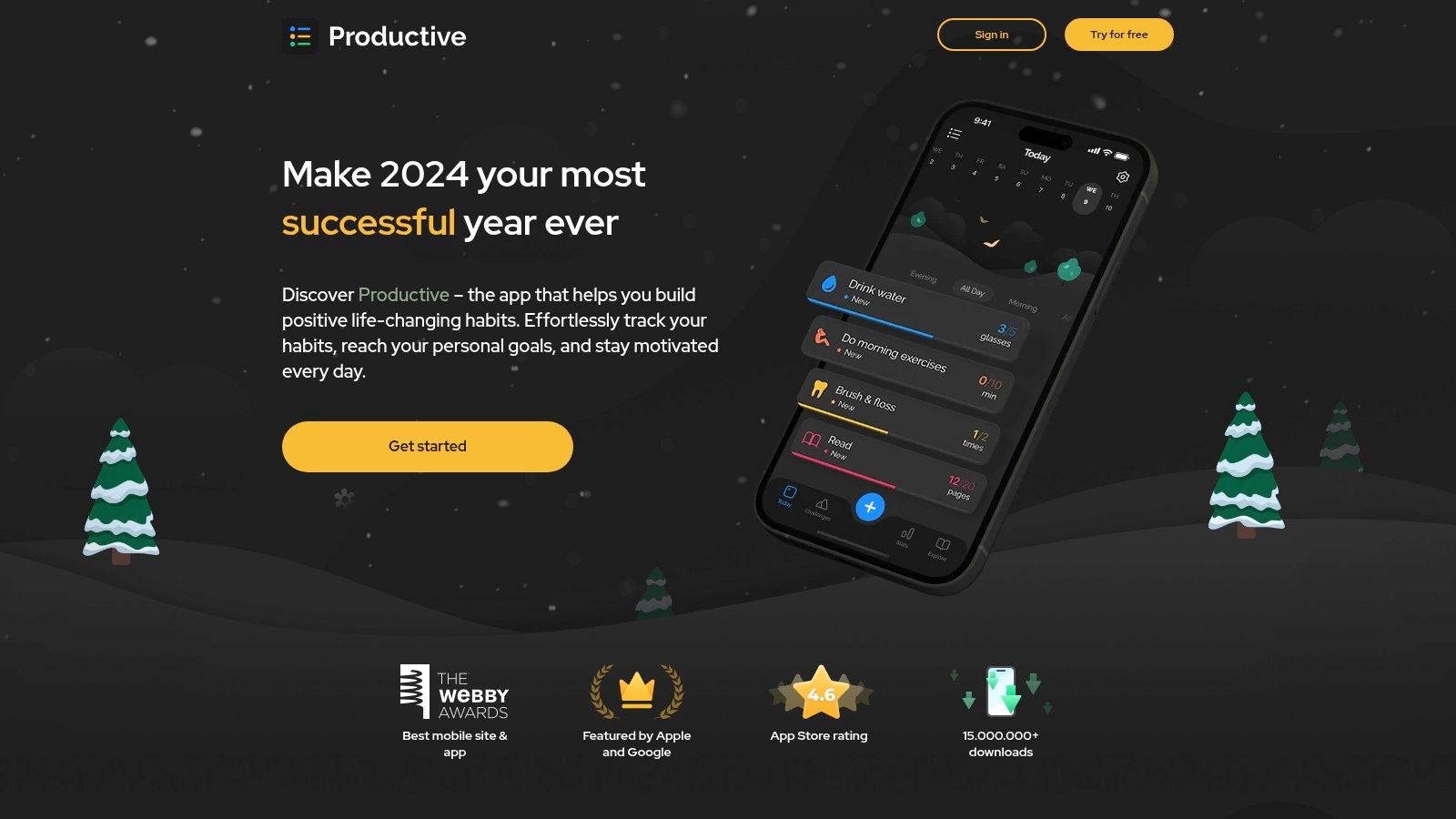
Productive suits users who don't want to invent every routine from scratch. Its onboarding, templates, guided programs, and challenges provide a starting structure for common behavior goals, while custom habits let you adapt the system when your schedule doesn't match a preset plan.
The app supports multiple schedules and reminders, so a habit doesn't have to happen every morning to be useful. Statistics, streaks, and widgets provide ongoing feedback, and iPhone and Watch support makes the check-in easier to place near the time the behavior happens. The design is particularly effective for people who benefit from a daily routine view rather than a broad project dashboard.
When the upgrade becomes relevant
Productive's free experience is good for trying guided routines and seeing whether its onboarding reduces setup friction. Unlimited habits and richer reminders require Premium, so users with a large behavior portfolio or more advanced notification needs may eventually need to pay. Premium pricing also varies by region and can sit toward the higher end, so check the current offer in your local App Store before committing.
The app's motivational articles, challenges, and programs add useful context, but they can also become extra content to consume instead of action to complete. Keep the system practical: choose a small number of habits, set realistic schedules, and use the program material only when it helps you act.
Productive is a strong fit for guided, routine-based goals on Apple devices. It's less compelling if you want local-first storage, deep numeric target tracking, or a completely self-designed system.
6. TickTick for task-based goals
Some goals fail because the person knows the desired outcome but hasn't defined the next physical action. TickTick handles that gap by putting tasks, recurring routines, calendars, reminders, and habit tracking in one workspace. A goal such as “prepare for an exam” can become study tasks, scheduled sessions, recurring review habits, and a calendar plan without switching apps.
The dedicated Habit tab tracks daily or weekly routines and streaks, while the task system handles one-off actions. A Pomodoro timer and widgets add support for focused work. Cross-platform sync makes the arrangement useful for people who move between a phone, computer, and other devices.
Free enough for a mixed workflow
TickTick has a generous free plan and a strong balance between tasks and habits. That makes it a practical starting point for people who aren't sure whether their problem is consistency or execution. You can test whether connecting a repeated behavior to the tasks around it changes your follow-through.
The free plan still caps some key items, including parts of habit and calendar usage. Filters, additional calendars, and unlimited habits require Premium. Those limits matter most to power users, not someone managing a small set of priorities.
Use TickTick when your goal must become a sequence of scheduled actions. Don't use it as a habit tracker just because it can track habits. If all you need is a fast yes-or-no check-in, its broader workspace may feel like unnecessary overhead.
7. Notion for fully customized systems
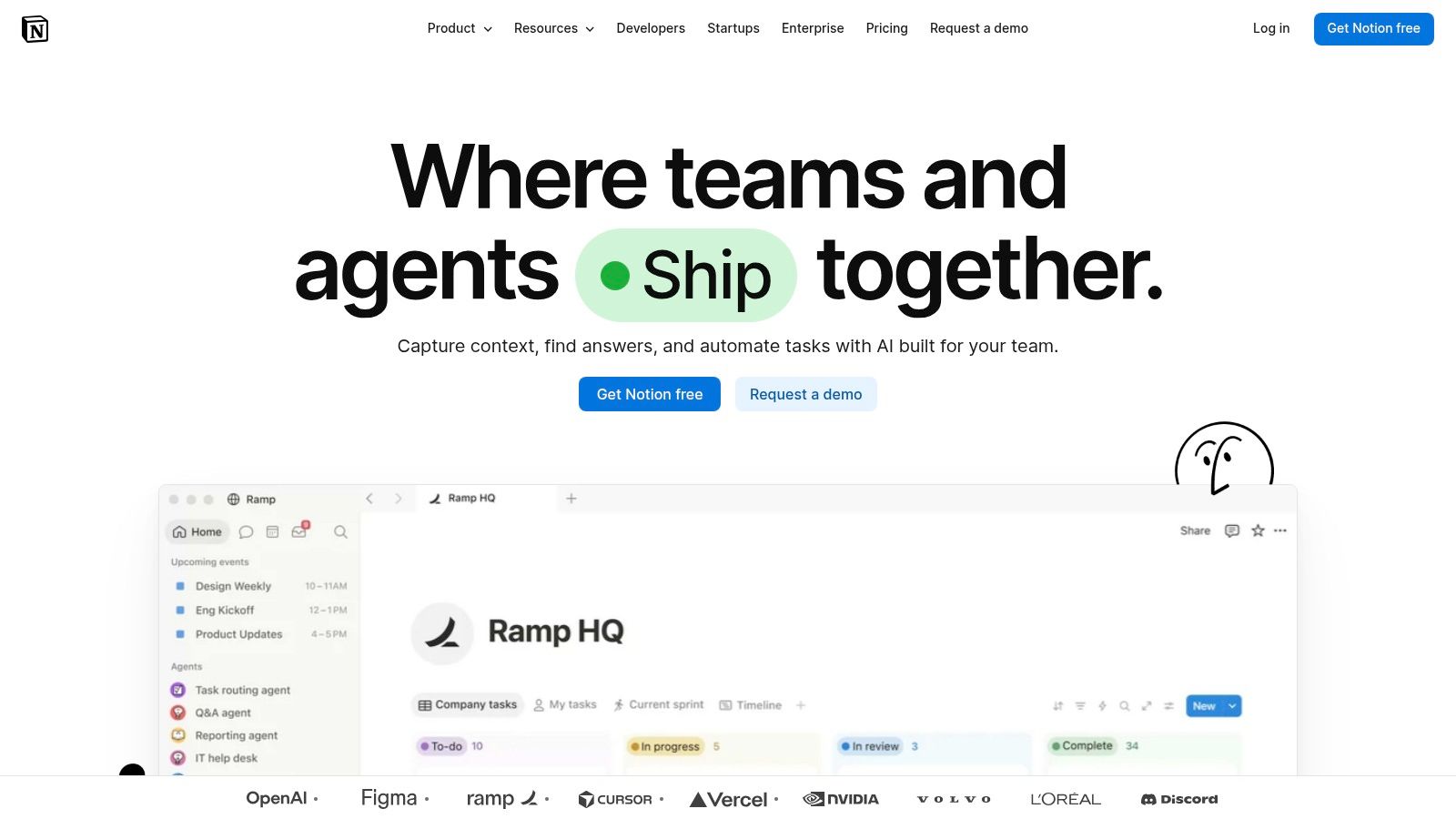
Notion is the choice for people who want to design the goal system themselves. You can build pages and databases with custom properties, relations, and rollups that connect goals to projects and tasks. Templates can support SMART goals, milestones, OKRs, reviews, or a personal dashboard that combines several methods.
That flexibility is its advantage and its main cost. A carefully designed workspace can reflect the way you think, but creating it takes time. You'll need to decide what counts as progress, which properties matter, how often you'll review the database, and whether the resulting page is faster than a simpler app.
The hidden cost of flexibility
Notion is free for individuals with ample functionality, and its cross-platform sharing and collaboration make it suitable for shared planning. It doesn't provide native streaks without templates or automation, however, and the mobile offline experience can be limited for heavy databases. A dashboard that looks excellent on a desktop may become awkward when you're trying to log a behavior quickly from your phone.
A good Notion system starts small. Create one goals database, one action view, and one weekly review. Avoid building a personal operating system before you've proved that you'll use the basic check-in.
For more habit-focused ideas, the IdentityKit blog offers a different perspective on turning goals into repeatable behavior. Choose Notion when customization is itself part of the work. Choose a dedicated tracker when you want progress logging to be immediate.
8. Microsoft To Do for simple execution
Microsoft To Do works when your goal needs to become a short list of actions and nothing more. My Day helps select a daily focus, while Suggestions can surface tasks that deserve attention. Recurring tasks, reminders, file attachments, shared lists, and cross-device apps cover the basics without asking you to build a goal methodology.
This makes it particularly useful for someone already working in Outlook, Exchange, Teams, or Microsoft 365. A professional might create a “career change” list, add research and networking actions, then schedule the next step in My Day. A family can use shared lists for errands connected to a broader household goal.
What it doesn't track
Microsoft To Do is fully free through its Microsoft 365 backend, but it doesn't offer native habit tracking, streaks, or deep progress analytics. Goals are modeled as lists and tasks. That's a limitation if you want to study adherence patterns, but it's also why the app stays approachable.
Use Microsoft To Do when execution is the bottleneck and you already trust Microsoft's ecosystem. It won't tell you whether you're becoming a more consistent reader, exerciser, or meditator. It will tell you what action is scheduled today and help you complete it.
9. ClickUp for measurable project goals
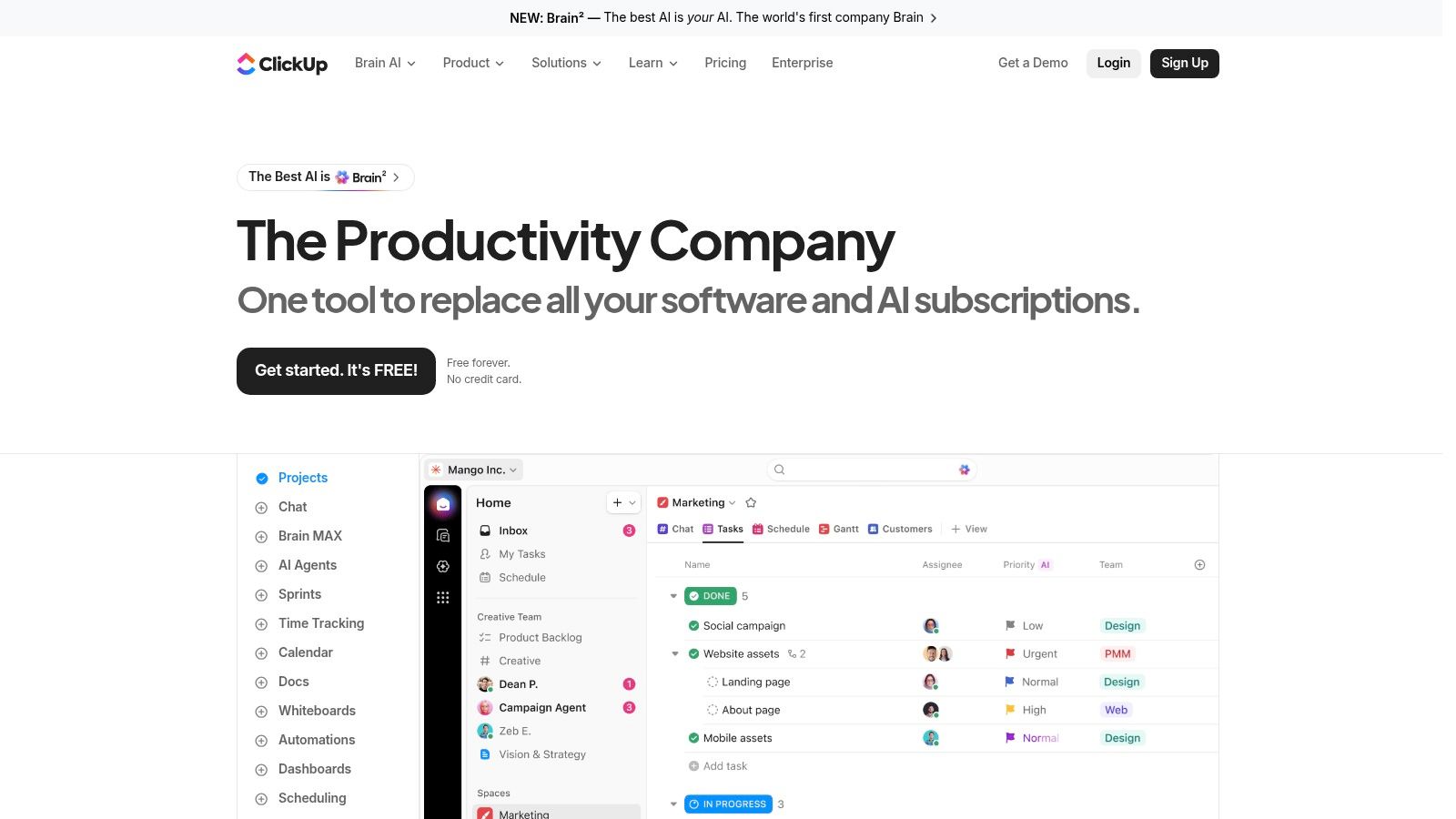
ClickUp is designed for users whose goals connect to projects, tasks, metrics, and dashboards. Its Goals module supports measurable targets such as numbers, true-or-false outcomes, currency, and task-based progress. That makes it more suitable for a business objective, launch plan, revenue target, or project milestone than for a simple daily habit.
The broader workspace includes projects, documents, whiteboards, dashboards, automations, and templates. When a goal depends on several pieces of work, linking those pieces can make progress more visible. You can see not only the target but also the tasks that should move it forward.
Capability versus friction
ClickUp offers a Free Forever tier for solo use, but its complexity is real. If you only want to mark “walked today,” the interface will feel disproportionate to the problem. Goals usage on free plans is capped, including 100 Goal uses per workspace, so people building elaborate systems need to monitor how quickly they consume that allowance.
The right setup is narrower than many users expect. Create the goal, define the measurement, connect only the tasks that influence it, and ignore unused modules. ClickUp is powerful for outcome-driven planning, but its power becomes friction when your goal is personal, repetitive, and private.
10. Coach.me for accountability and coaching
Coach.me is for the moment when solo tracking isn't enough. You can start with free goal and habit tracking on iOS and the web, then use community Q&A and streak tracking to make progress more visible to other people. If you later need direct support, the platform includes optional paid one-to-one or group coaching through a coach directory.
That progression is useful because you don't have to pay for human accountability before you know whether it helps. You can begin with a simple habit, observe how you respond to community participation, and add coaching only if the problem requires more structure or encouragement.
Simple tracking, variable coaching
The free tracking feature set is intentionally straightforward. That's an advantage for users who want a clean check-in, but a drawback for anyone expecting rich charts, advanced goal types, health integrations, or detailed analytics. Coaching quality and pricing vary by individual coach, so treat the directory as a set of separate service choices rather than a uniform product experience.
Privacy expectations also deserve attention before you post personal details in a community. Read the platform's privacy information and the relevant Coach.me policies before sharing sensitive goal data publicly.
Choose Coach.me when accountability is the deciding factor. If you want private, local-first tracking with optional AI analysis, a dedicated iPhone habit tracker is a better match.
Top 10 Free Goal-Setting Apps Comparison
| Product | Core features ✨ | Privacy & Data | AI & Insights | Target audience 👥 | Price & Value 💰 |
|---|---|---|---|---|---|
| IdentityKit, AI Habit Tracker App for iPhone 🏆 | Streaks, contribution grids, heatmaps, user‑scheduled reminders, optional Apple Health ✨ | Local‑first (habits/check‑ins on device), clear permission controls | On‑demand AI: goal→habit builder, pattern stories, summaries (runs only when requested) | iPhone‑first users who want identity‑based habits + privacy | Free + in‑app upgrades; strong privacy value 💰 ★★★★☆ |
| Strides | 4 tracker types (Habit/Target/Average/Milestone), progress charts, templates, reminders ✨ | iCloud sync for backups; no Apple Health | No built‑in AI | Users wanting SMART-style structured goals 👥 | Free core; premium unlocks unlimited trackers/export 💰 ★★★★ |
| Habitica | Habits/Dailies/To‑Dos with RPG mechanics, parties, challenges ✨ | Cloud-based, community servers (standard online data) | No native AI | Gamified, social accountability seekers 👥 | Free with in‑app purchases; high engagement value 💰 ★★★★ |
| Way of Life | Yes/no & count logging, rolling charts, fast check‑ins, widgets ✨ | Local data + CSV export; no Apple Health sync | No AI | Minimalists focused on quick awareness & patterns 👥 | Free tier limited; paid export/features 💰 ★★★★ |
| Productive – Habit Tracker | Custom schedules, guided programs, challenges, widgets ✨ | Standard app data handling (cloud features in premium) | No native AI | Users who prefer guided routines & templates 👥 | Free w/ Premium for unlimited habits/reminders; regional pricing 💰 ★★★★ |
| TickTick | Tasks + calendar, Habit tab, Pomodoro timer, cross‑device sync ✨ | Cloud sync across devices | No native AI | People who mix tasks, schedules & routines 👥 | Generous free plan; Premium for power features 💰 ★★★★ |
| Notion | Databases, custom templates, reminders, relations for goals ✨ | Cloud‑hosted workspace; sharing/collab controls | No built‑in habit AI (templates/automations only) | Builders who want fully customizable systems 👥 | Free for individuals; time investment required 💰 ★★★★ |
| Microsoft To Do | My Day, recurring tasks, reminders, Outlook/Exchange sync ✨ | Microsoft 365 cloud backend; enterprise controls | No habit AI | Microsoft ecosystem users needing simple task-based goals 👥 | Free; great value for Outlook users 💰 ★★★ |
| ClickUp | Measurable Goals, dashboards, projects, automations ✨ | Cloud workspace with admin controls | Automation tools but no on‑device AI | Power users linking goals → tasks & KPIs 👥 | Generous free tier; can be complex 💰 ★★★★ |
| Coach.me | Free habit tracking, community Q&A, optional paid coaching ✨ | Cloud‑based; coaching handled externally | No native AI | Users who want community + optional human coaching 👥 | Free tracking; coaching fees vary 💰 ★★★ |
Choose the Free App You Will Actually Use
There isn't one universal winner because the tools solve different failure points. IdentityKit is the best fit for iPhone users who want private, identity-based habits, user-scheduled reminders, optional Apple Health context, and AI insights that run on request. Strides fits structured SMART-style tracking, particularly when a target, average, pace, or milestone matters more than a simple streak.
Choose Habitica when game mechanics and social challenges keep you engaged. Choose Way of Life when the main requirement is fast logging and clear pattern spotting. Productive is better for guided routines, programs, and motivational prompts. TickTick and Microsoft To Do make more sense when the goal must become tasks, reminders, and scheduled work rather than a separate habit record.
Notion is the choice for customization, but only if you're willing to maintain the system you build. ClickUp is better for measurable project goals linked to tasks, KPIs, and workspaces. Coach.me is the strongest option when community support or optional human coaching can make the difference between intending to act and returning to the goal.
A large longitudinal study of 1.4 million MyFitnessPal users found that users created 2.8 million goals and achieved 18.2% of weight-loss goals overall (study summary). That benchmark is a useful warning for app selection. Goal creation is easy. Completion is harder, so choose the tool that reduces the specific friction you encounter after the initial setup.
Use this implementation sequence:
- Choose one goal type: Decide whether you're tracking a repeated habit, numeric target, project, task list, or accountability commitment.
- Define the smallest repeatable action: Turn the outcome into something you can complete and record without a long planning session.
- Schedule one reminder: Use a time connected to the behavior, not a random notification window.
- Review progress weekly: Look for missed contexts, unrealistic schedules, and early wins that deserve reinforcement.
- Upgrade only for a real blockage: Pay when a free-plan limit prevents the workflow you've already proved useful, not because a feature list looks impressive.
The wider productivity apps market was estimated at USD 11.96 billion in 2025 and projected to reach USD 18.09 billion by 2030, with an 8.63% CAGR (productivity apps market estimate). More options won't automatically create better follow-through. A smaller system that respects your platform, privacy expectations, reminder preferences, and attention is usually the stronger choice.
IdentityKit offers iPhone-first habit tracking with streak grids, heatmaps, user-scheduled reminders, optional on-device Apple Health context, and AI insights that run only when you request them. If your free goal setting app search is really about building private routines you'll keep using, visit IdentityKit and test the focused local-first approach.